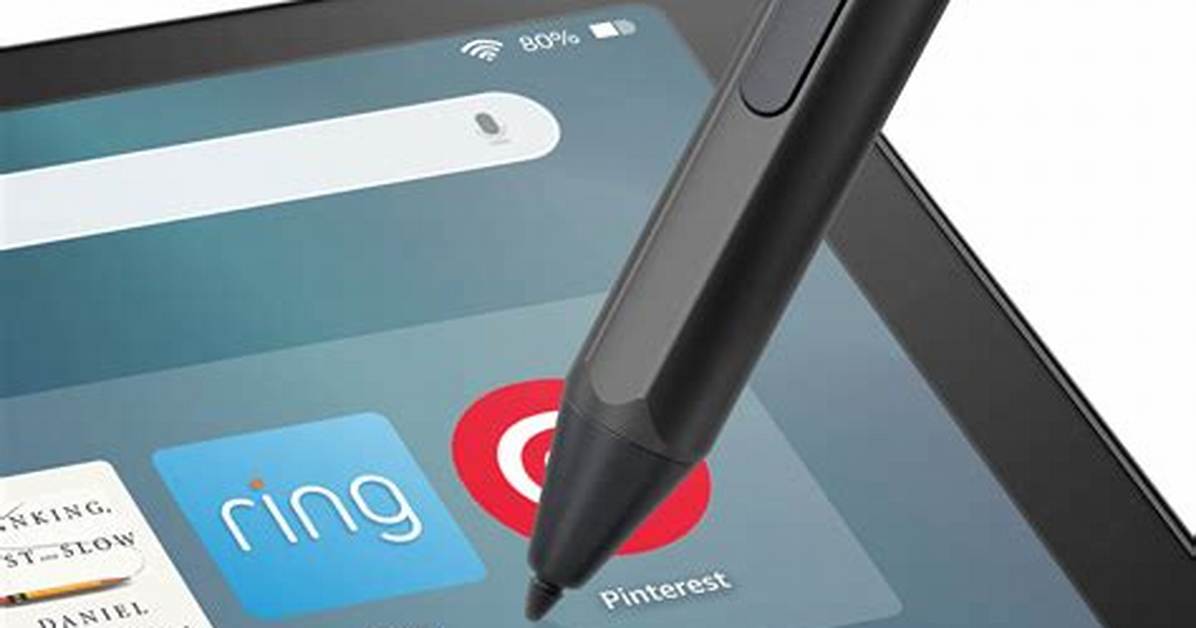
Touchscreens are a central part of our lives, and we've all become intimately familiar with them thanks to our smart devices. But even with all this practice, sometimes you want a little more precision than a finger can allow. The handy stylus has never really gone away, and now, they're the perfect way to interact with your phone or tablet if you're looking to jot down notes or sketch to your heart's content. Heck, they're even useful to have in case you need to sign something on a digital device.
The stylus you're going to want to buy is going to depend entirely on what you're going to be using it for. A stylus for digital art and one for note-taking are similar but different enough that you're going to want a slightly different style for each. Also, keep in mind that many of these stylus options have pretty stringent compatibility lists. For instance, you can pair the Apple Pencil 2 with some of the best iPads, but if you want to draw on a Samsung Galaxy Tab S9, then the Apple stylus won't work for you at all.
Thankfully, we've done the hard work for you. Here's a list of the best stylus pens for tablets and smartphones.
Show 8 more itemsApple Pencil (2nd generation)
Best for iPad artists
- Classy, comfortable design
- Magnetic charging is cool
- Works great with iPadOS 14
- Useful for more than art now
- Expensive
- Not compatible with base iPad
The original Apple Pencil debuted toward the end of 2015, and it set a new stylus standard. Not content to rest on its laurels, Apple launched a new generation of the Pencil in 2018 alongside an updated iPad Pro. The most recent incarnation of the Apple Pencil is similar to the previous generation, using the iPad Pro’s pressure-sensitive screen to produce incredibly fine lines with pressure-based variations. The side of the tip creates wider strokes, which is great for shading, and the tip can also offer a fine point when you need it. The stylus now clips magnetically to the side of the iPad Pro and iPad Air to charge wirelessly, eschewing the awkward charging method of the original Pencil.
Before you jump in to buy it, make sure you have the correct iPad to use with the Apple Pencil. The Apple Pencil 2 only works with certain iPads — which includes newer models of the iPad Pro and iPad Air. If you own an older Pencil-compatible iPad (including older generations of the iPad Pro, the sixth-generation iPad, the iPad Mini 5, or the Apple iPad 10.2-inch 2019), then you’ll have to stick with the original Apple Pencil, which is still a great product.
Apple Pencil (2nd generation) Best for iPad artistsMicrosoft Surface Slim Pen 2
Best for Microsoft Surface artists
- Best stylus for the Microsoft Surface series
- Excellent precision
- Tilt-to-shade for realistic sketching and shading
- Not compatible with other tablets and touchscreen devices
Microsoft's Surface Pens have been, on the whole, very good, and the Surface Slim Pen 2 continues that tradition. Unlike the original Surface Pen, the Slim Pen 2 is, unsurprisingly, much slimmer and less intimidating than the large stick, which was the Surface Pen. But it's not just the design that has changed — Microsoft has also added a great new feature: haptic feedback. Use the Pen lightly, and you won't feel a thing, but push a bit harder, and the Pen will vibrate slightly — creating the sensation of friction. It's subtle, and it mimics the feeling of writing on paper very well. It has 4,096 pressure points and attaches to compatible devices with magnets.
Aside from that, it's quite similar to previous Surface Pens, except for compatibility. Unfortunately, the Slim Pen 2 isn't compatible with as many devices as the previous Surface Pen, and it largely only works with the most recent Surface devices, such as the Surface Pro 8, Surface Pro X, Surface Laptop Studio, and Surface Duo 2. You can find the full compatibility list on Microsoft's website.
Microsoft Surface Slim Pen 2 Best for Microsoft Surface artists
